Is your company information consistent across your own pages? A facts inventory audit
Build a company-facts inventory, compare it page by page, and settle each conflict before an AI engine has to guess which of your pages is right.
On this page
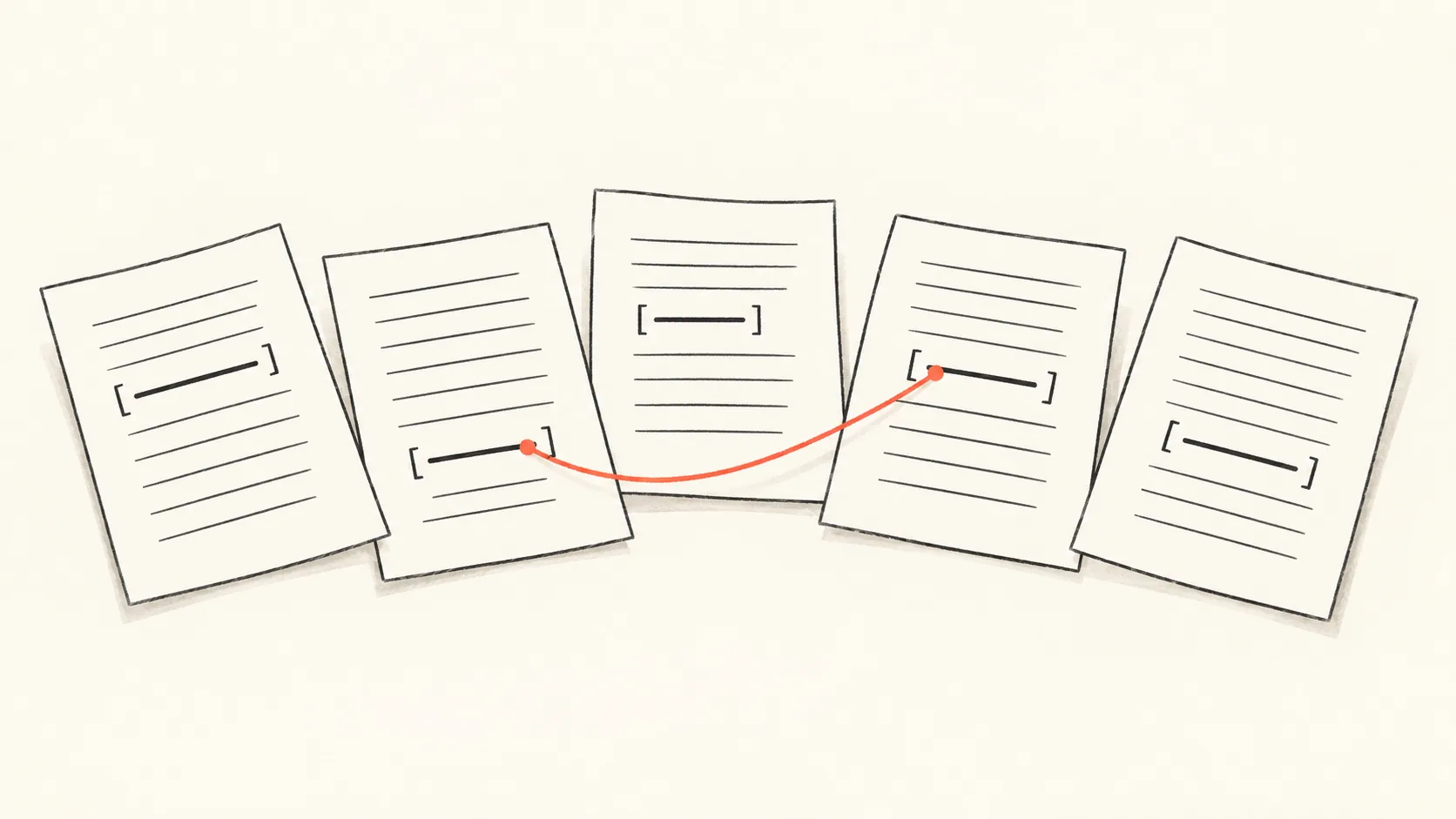
Your company information is consistent when every page that states a fact (founding year, headquarters, product names, regions served, support hours, contact details) states the same thing, or differs for a reason a reader can see. To check, list the facts you publish, record what each page says, and mark every place two pages disagree. Then decide which value is correct and fix the rest. This is a manual, page-by-page audit. The output is a company-facts inventory you can reuse as the source of truth for editors, and as the approved-facts list in a monitoring tool.
In short
- Pages written by different people in different years drift apart. The About page, footer, press kit and help centre are the usual places.
- An inventory of facts, with one row per fact and one column per page, makes the disagreements visible in one place.
- Some differences are intended (a sales email and a press email). Record the reason so nobody "fixes" them later.
- Conflicting pages are a hypothesis for why an AI answer might state a wrong fact, not proof. Fixing them removes one plausible cause and gives you a clean list to test against.
- The finished inventory can double as the list of approved facts you enter in Fact check, depending on your plan.
Why does inconsistency between your own pages matter?
It matters because a reader, human or machine, who finds two values for one fact has to choose, and you no longer control which one they pick. An AI engine that retrieves your About page and your press kit in the same answer may see 2018 in one and 2019 in the other.
We cannot say how any engine weighs conflicting pages, and a stated wrong fact in an answer is an observation of that answer, not proof of why the model produced it. What you can say is narrower and still useful: if your own pages disagree, you have removed your ability to point at a page and say "this is our position". Buyers also read these pages directly, so a conflict is a credibility problem even before an AI engine is involved.
The audit is deliberately about your own site, not about what an AI answer says. For that problem, see What to do when AI gets your pricing or product facts wrong.
What counts as a company fact?
A company fact is a single statement about your organisation that a buyer could verify and that stays true across pages. DiscoveredBy's Fact check groups facts into six categories: pricing, company, product, availability, policy and other, and that grouping is a practical way to organise the inventory too (see Fact check).
Start with these, and add your own. Contact details are not a Fact check category, so if you later enter one there, file it under company or other.
- Company: legal name, trading name, founding year, headquarters, ownership, team size, leadership names.
- Product: product and edition names, what each does and does not do, integrations you name.
- Availability: countries and regions served, languages, platforms and devices.
- Policy: refunds, cancellation, data handling, security statements, support commitments and hours.
- Pricing: plan names, currency, billing periods, free trial length. Keep the number of pricing facts small; for that page on its own, see Audit your pricing page for the questions AI buyers ask.
- Contact: email addresses, phone numbers, postal address, the right channel for each type of enquiry.
Not every sentence is a fact. "We care about compliance teams" is positioning. "We serve customers in the UK and EU" is a fact. If you cannot imagine a buyer checking it, leave it out.
How do you build the company-facts inventory?
Build it as a grid: one row per fact, one column per page or page type, plus a column for the decision. Work in a spreadsheet; the point is to see the row across all pages at once.
- List the pages that state facts. Homepage, About, Contact, Pricing, Careers, Press or media kit, Help centre, Terms and Privacy pages, footers and the blog author bio boxes. Site-wide elements such as footers and headers repeat on every page, so count them once but note them.
- List the facts. Read each page and pull out every checkable statement. Use the categories above as a prompt for what you may have missed.
- Copy the wording exactly. Paste the sentence, not your paraphrase. "Since 2018" and "founded in 2018" are the same fact; "over 40 people" and "50+" are not.
- Record the date the page was last meaningfully edited, if you know it. Stale pages are often where conflicts hide, but see the limits below.
- Mark each row. Agree, conflict, gap (stated on one page, silent where a reader expects it), or different by design.
- Decide and assign. For every conflict, name the correct value, who confirmed it, and the pages to change.
Product and brand names need their own rows
Product names are the fact most likely to fork, because marketing shortens them, engineers abbreviate them and old names linger in docs. Give each product a canonical name, then list every variant you found and where it appears.
This is where the inventory connects to monitoring. In DiscoveredBy, an alias is another name for a brand, typed as a brand name, product name, abbreviation, common misspelling or domain, and a sub-brand is a brand nested one level under a top-level brand (see Brands and sub-brands). Your inventory tells you which variants exist in the wild; the alias list is where you tell mention extraction which other names refer to your brand. That is a measurement decision. For counting a parent brand and its products, see Track a parent brand and its products without double-counting mentions. This audit asks a different question: which single name should your own pages use.
The inventory template
Copy this into a spreadsheet. Sheet 1 is the pages you audit; sheet 2 is the facts grid, with one column per page you list on sheet 1.
SHEET 1: PAGES AUDITED
Page | URL or file | Page type (home, about, contact, pricing, press kit, help, careers, legal, footer) | Last meaningfully edited | Page owner

SHEET 2: COMPANY-FACTS INVENTORY
Fact ID | Category | Fact | Canonical value | Confirmed by | Date confirmed | [one column per page: exact wording, or "not stated"] | Status | Reason if by design | Pages to change | Owner of the change | Done (date)

Status values: agree | conflict | gap | by design
Keep three rules for the whole sheet. Every canonical value has a named person who confirmed it. Every "by design" row has a written reason. And the sheet has a date on it, because facts change.
Worked example
Illustrative example: Quillstone and its competitors are fictional, and the numbers are made up to show the method.
Quillstone sells document-review software to mid-sized legal and compliance teams. Its content lead audits seven pages: Home, About, Contact, Pricing, Press kit, Help centre and Careers. She finds seven checkable facts. Here is the grid, trimmed to the pages that state each fact.
| Fact ID | Fact | What the pages say | Status |
|---|---|---|---|
| F1 | Founding year | Home: "Since 2018". About: "founded in 2018". Press kit: "founded 2019" | Conflict |
| F2 | Headquarters | About: "Leeds, UK". Contact: "Leeds". Press kit: "Leeds, UK" | Agree |
| F3 | Product name | Home: "Quillstone Review". Pricing: "Quillstone DocReview". Help centre: "QReview" | Conflict |
| F4 | Regions served | Home: "UK and EU". Pricing: "UK and EU". About: "UK, EU and North America" | Conflict |
| F5 | Support hours | Contact: "Monday to Friday, 09:00 to 17:00 UK time". Help centre: "Monday to Friday, 08:00 to 18:00 UK time" | Conflict |
| F6 | Contact emails | Contact: sales@ and support@ addresses. Press kit: a press@ address | By design |
| F7 | Team size | About: "about 40 people". Careers: "50+ people" | Conflict |
The tally: seven facts, five conflicts (F1, F3, F4, F5, F7), one agreement (F2) and one difference by design (F6). Five plus one plus one is seven. She also notes that the Home page does not state a headquarters at all, which is a gap rather than a conflict, so she records that as a note on F2 rather than a status.
She then resolves each conflict with the fact's owner:
- F1: the founder confirms 2018; the press kit is a PDF nobody has edited since a rebrand. Change: press kit.
- F3: the product is "Quillstone Review". "DocReview" is a retired name and "QReview" is internal shorthand. Change: Pricing and Help centre; note "QReview" as a variant to record as an alias.
- F4: North America went live last quarter and only the About page was updated. Change: Home and Pricing.
- F5: support moved to the longer hours in spring. Change: Contact.
- F7: the office manager confirms the About figure is current and the Careers number is out of date. Decision: stop quoting a headcount on Careers and link to About. Change: Careers.
Notice what she did not do. She did not conclude that these conflicts explain what AI engines say about Quillstone. She now has a clean, confirmed list, and that is what she takes into monitoring.
What do you do with the inventory once it is clean?
Use it in three ways: as the editors' source of truth, as the approved-facts list for monitoring, and as the checklist you re-run when something changes.
Editors' source of truth. Store the sheet where editors can find it, and require a check against it whenever a page that states a fact is edited. A change to a canonical value means a change to every page in its row.
Approved facts in Fact check. In DiscoveredBy, Fact check keeps a list of approved facts about your own brand and shows whether AI engines state them correctly. A fact there is one line of plain text between 5 and 300 characters, in one of the six categories, and a project can have 50 active facts. Your canonical values are a ready-made source, and a fact you type is active and checked from then on (see Fact check).
The product can also draft facts for you: Suggest from my site reads your homepage and up to seven links from it that are on the same site and whose path contains a keyword such as pricing, about, contact, faq or terms, then proposes drafts. Read the limits before relying on it. Our code checks that the sentence shown with a draft is on your page, not that the statement says the same thing, so approve each draft only after reading it against its sentence. Each draft comes from a single page, and the run does not compare your pages with each other. So do the inventory first, then approve only the canonical wording. If your pages still disagree when it runs, it may draft both versions.
The checks that follow. A weekly fact study asks each chat engine, and ChatGPT (app), one question for each category that has an active fact, using your project's name and domain, never the text of a fact. Other has no question; Other facts are checked against every answer. Google AI Overviews, Google AI Mode and Gemini (app) are not asked. Each answer is judged by an AI model against your active facts, and each finding keeps a quote from the answer and an explanation written by the model. Up to 10 tracked prompts you choose can also be checked as their answers arrive. Owners and editors review each finding the model said contradicts a fact: they can confirm that an answer is wrong, mark that the answer agrees with the fact, or mark that the fact is out of date. That last choice is the loop back to your inventory. When it happens, the sheet, not the monitoring tool, is where the correction starts.
To study contradictions in answers more systematically, see Where do AI answers contradict approved product facts?.
Common mistakes and limits
Treating every difference as a defect. Sales and press emails should differ. A pricing page can legitimately show plan-specific support hours that a general Contact page does not. Record the reason and move on.
Overstating what the audit proves. A clean site does not guarantee a correct answer, and a conflicted site does not prove a wrong answer was caused by it. Engines draw on sources you do not control. The audit removes one cause you can act on.
Auditing only the obvious pages. Footers, PDF press kits, help articles, old blog posts with company boilerplate and author bios are where stale values persist. Search your site for the old founding year, the old product name and the old region list; treat every hit as a row to review.
Fixing values but not the names. If you standardise on "Quillstone Review", check that structured metadata, page titles and image alt text do not still use the old name.
Checking once. Facts change. Set a review date on the sheet, and re-run it after a rebrand, pricing change, launch or new market.
Expecting the monitoring tool to do the comparison. Fact check tests what engines say against the facts you approve. It does not cover facts about competitors or claims that match none of your facts, and editing a fact does not re-check answers that were already checked. Comparing your own pages with each other stays with you.
Frequently asked questions
How many facts should the inventory hold?
Start with the facts buyers ask about most: founding, location, products, regions, pricing structure, support and policies. You can add more later. A short list you keep current is better than a long one nobody updates, and Fact check allows 50 active facts per project, so choose the ones worth monitoring.
Should I fix conflicts before I start monitoring AI answers?
Fix the ones you are sure about first, because they remove an obvious ambiguity. Do not wait for a perfect site. Monitoring shows you which facts engines get wrong, which helps you prioritise the next round.
What if two pages disagree and I do not know which is right?
Ask the fact's owner, and do not pick the newer page by default. Newer does not mean confirmed. Record who confirmed the value and when, so the decision survives staff changes.
Do I need structured data for this?
This audit is about visible page content. If you use structured markup, check that its values match your canonical ones, but treat that as a separate task.
How is this different from tracking mentions of my brand and its products?
Mention tracking counts how answers refer to your brand and its aliases. This audit checks what your own pages say. They meet at product names: the audit decides the canonical name, and the alias list tells the monitoring tool which variants to recognise.
Can the same sheet be used for a client?
Yes. Agencies can keep one inventory per client and have the client's owners sign off each canonical value. Keep the confirmation column, since it is the evidence you were told to use that value.
Next step
Once your inventory is clean, enter the canonical values as approved facts and see whether AI engines state them correctly. Sign in to DiscoveredBy and open Fact check under Brand perception. Fact check is available depending on your plan; see plans and limits. For the wider picture of how the brand-perception pieces fit together, read Brand perception.
- fact check
- content audit
- company facts
- brand consistency
- product names


